
When you need to print labels for your business, you quickly realise that standard office software just doesn’t cut it. That’s where specialist software for label printing comes in. Think of it as the central hub for creating everything from simple address labels to intricate, regulation-compliant barcodes.
This software is designed to link your product data, design templates, and physical printers together into one operation. It’s a huge step up from trying to wrestle with programs that are not built for the precision and data-heavy tasks that professional labelling demands.
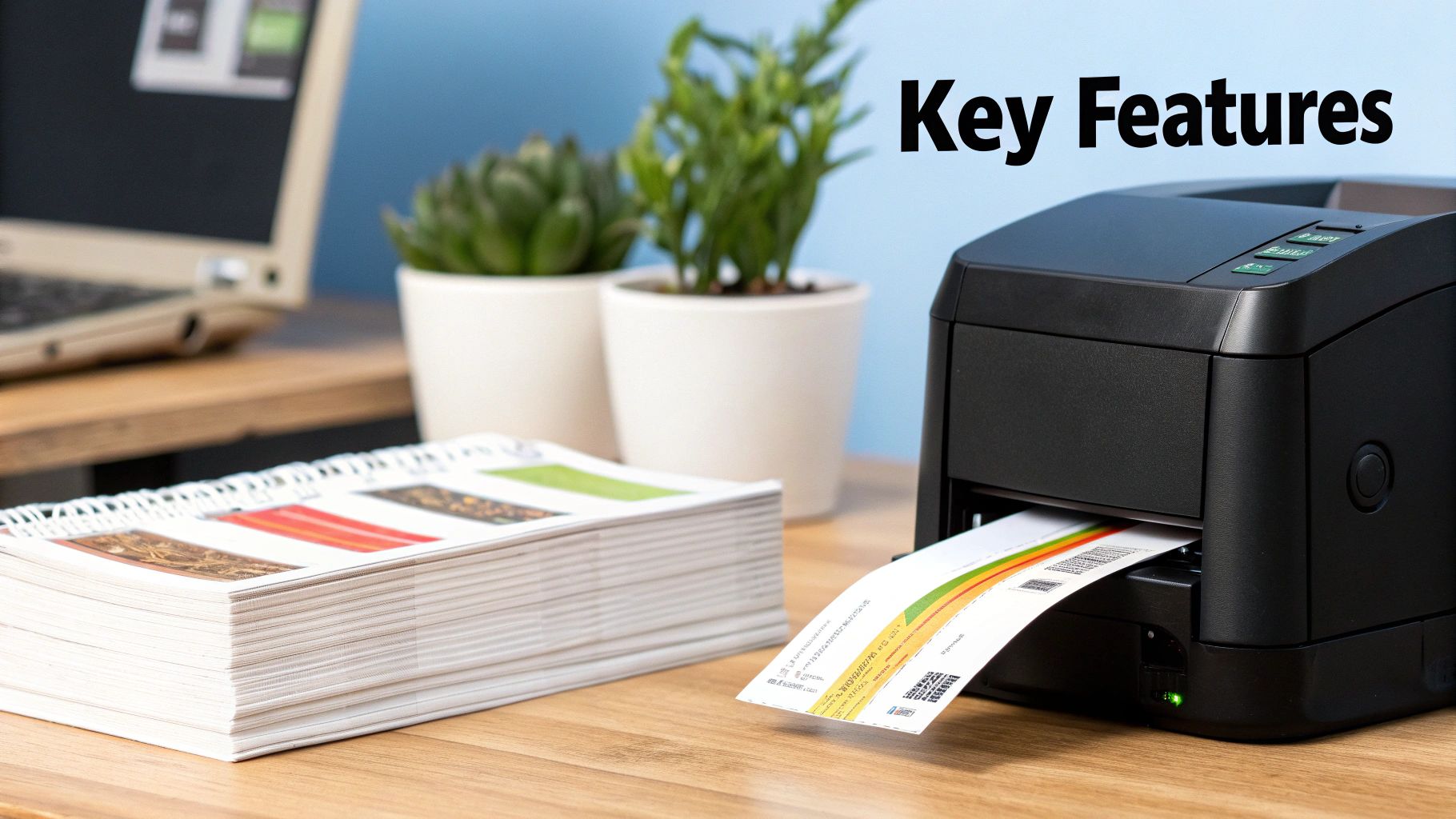
At its heart, this software is the bridge between the information sitting in your computer and the physical label that gets stuck on a product or package. Instead of someone manually typing out every single detail for each print run, the software does the heavy lifting. It can pull information directly from the business systems you already use, whether that’s a simple spreadsheet or a sophisticated company-wide database.
Once it has the data, the program organises it onto a pre-designed template, ready for printing. This automation is a major benefit for anyone in manufacturing, logistics, or retail, where speed and accuracy are everything. Just one tiny mistake on a barcode or shipping label can create massive headaches down the line.
Creating labels manually is a recipe for mistakes and a serious bottleneck when your order numbers start climbing. Dedicated software takes these repetitive jobs off your plate, guaranteeing every single label is consistent, even when you are printing thousands at a time. This is one of the biggest reasons businesses invest in it- it allows them to scale without chaos.
This software is far more than just a design tool; it is a complete process management system. By eliminating manual data entry, it slashes the risk of errors and creates a reliable, repeatable workflow for getting accurate labels out the door, every single time.
This leads to some major improvements in how you operate:
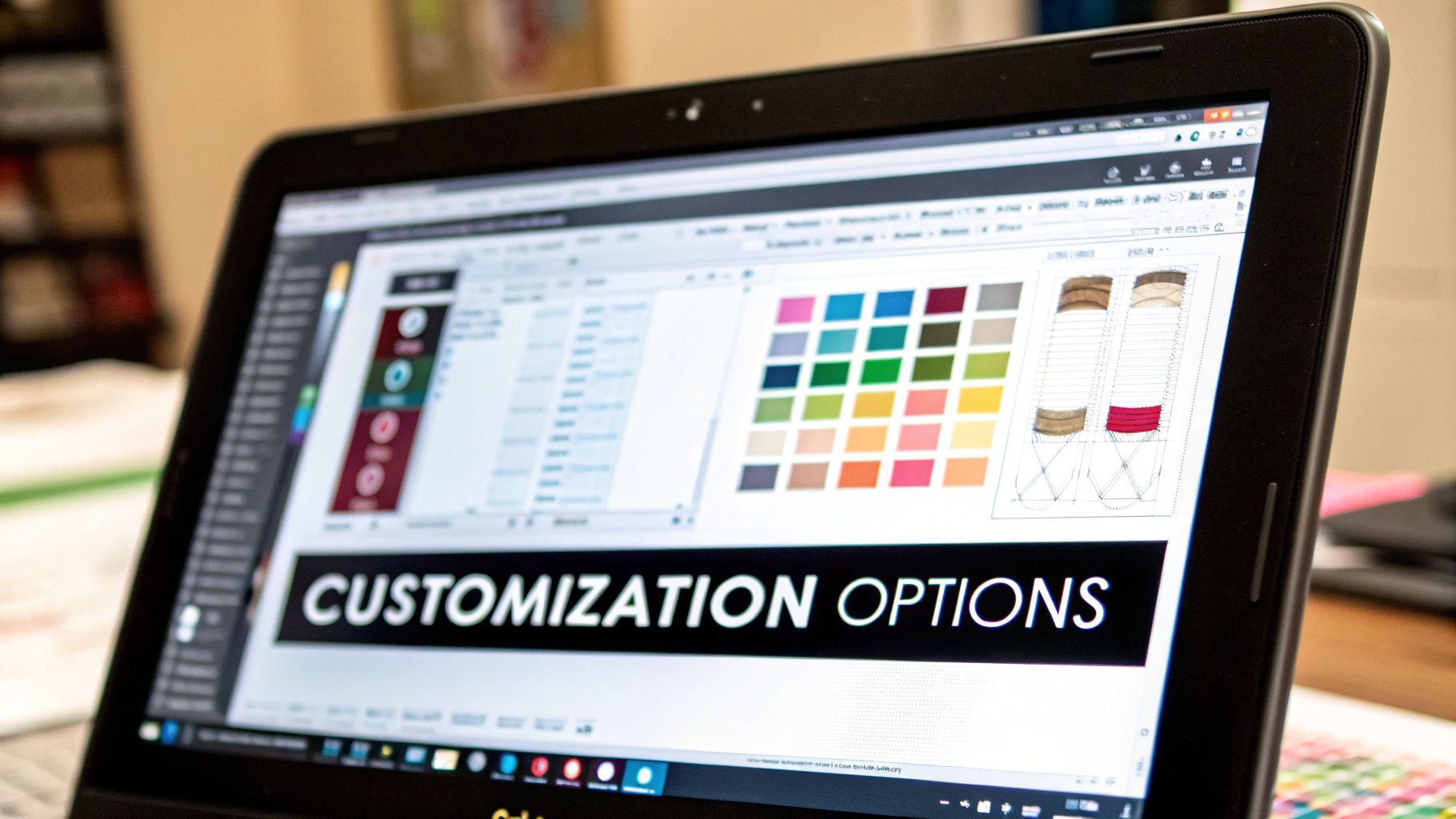
Good label printing software does far more than just put text on a sticker. Think of it as the central nervous system for your entire labelling operation- the brain that designs, manages, and prints every label your business needs.
At their heart, these platforms really focus on three key jobs that work in tandem. Getting to grips with these areas helps to see how the software slots into a real-world workflow, turning a simple task into a powerful part of your business.
First and foremost, it’s about creating and managing your label designs. Any decent software will give you a design studio, often with a simple drag-and-drop interface. Here, you can build a label from scratch or, more commonly, tweak a ready-made template to fit your needs. You can easily add your logo, fixed text like warnings or instructions, and all sorts of barcodes- from the QR codes we see everywhere to the more complex barcodes used in specific industries.
This is all about standardising your look and the information you present. Once you lock in a template, you can save it and use it again and again, which is a massive help for keeping your branding consistent.
Templating is the secret to efficient labelling. You create one master design, connect it to your product list, and the software can automatically churn out thousands of unique labels. Each one gets the right product name, batch number, or shipping address pulled in automatically, without anyone having to lift a finger.
This is where things get really clever. Data integration is the software’s ability to talk directly to the places where your business information already lives. It can hook into a simple spreadsheet, a complex SQL database, or even your company-wide Enterprise Resource Planning (ERP) system.
Instead of someone having to manually type out the details for every single label, the software just pulls that information straight into the design template. This practically eliminates the typos and human errors that creep in when you are re-typing data. The UK label printing software market has grown hugely because businesses need this kind of efficiency and accuracy. Cloud-based systems, in particular, are becoming the go-to choice for their flexibility and cost-effectiveness.
Finally, the software puts you in the driver’s seat for the actual printing. It’s your control panel for managing print queues, tweaking the settings for different printer models, and even sending batches of labels to several printers at once. This gives you a complete labelling solutions overview and shows how everything works together.
This centralised control stops print jobs from piling up and brings a sense of order to the whole process. For any busy warehouse or production line with multiple printers running, it transforms potential chaos into a smooth, well-managed operation.
When it’s time to choose label printing software, one of the first forks in the road is deciding where it will “live.” Your two main options are on-premise and cloud-based (SaaS) solutions. Each has a completely different feel when it comes to cost, control, and day-to-day use.
An on-premise system is the traditional route. You buy the software licence and install it directly onto your own computers and servers. Think of it like buying a house- you own it, you control it, but you are also responsible for all the upkeep.
A cloud-based solution, or SaaS (Software as a Service), is more like renting a fully serviced apartment. You access the software via the internet, and the provider handles all the tricky stuff like security, servers, and updates. This usually means a predictable monthly or annual subscription fee.
With an on-premise system, you are buying the software outright. Your IT team installs it, manages it, and keeps it secure on your own hardware. This gives you ultimate control over your data and how the software is configured.
This level of control is often a must-have for companies with very strict security requirements or those needing highly specific customisations that a standard cloud service just cannot offer.
On-premise solutions put you in the driver’s seat, but remember, you are also the mechanic. You are responsible for everything from server maintenance and software patches to data backups and disaster recovery.
Cloud software has really taken off, and for good reason- it’s flexible. The initial cost is much lower because you are subscribing instead of buying. Better yet, the provider takes care of all the technical heavy lifting, automatically pushing out updates and security fixes.
This approach opens the door for businesses of all sizes to access powerful label design and management tools without needing a massive IT department to keep things running. A deeper look into business automation and SaaS integration can shed more light on how these systems fit into a modern business setup.
The chart below breaks down how subscription tiers often work, showing the relationship between cost, label volume, and the level of support you get.

As you can see, there’s a clear trade-off. Higher-tier plans cost more but support larger printing volumes and offer faster support, which is needed for bigger operations.
To make the choice clearer, let’s break down the key differences side-by-side.
| Feature | On-Premise Software | Cloud-Based (SaaS) Software |
|---|---|---|
| Initial Cost | High (Large one-time licence fee) | Low (Small setup fee, if any) |
| Ongoing Cost | Maintenance, staff, hardware upgrades | Predictable monthly/annual subscription |
| Control | Complete control over data and security | Limited to provider’s framework |
| Accessibility | Limited to internal network or VPN | Accessible from anywhere with an internet connection |
| Maintenance | Your responsibility (IT team required) | Handled entirely by the provider |
| Scalability | Complex and expensive to scale | Easy to scale up or down as needed |
| Best For | Strict security needs, deep customisation | Flexibility, remote access, lower initial outlay |
There is no single “best” answer. The right choice depends entirely on your business’s budget, technical resources, and long-term goals. An on-premise solution offers unparalleled control for those who need it, while a cloud-based system provides fantastic flexibility and ease of use for everyone else.
So, you have got your label software sorted. Great. But it’s only half the battle. The real magic happens when your software can communicate flawlessly with your hardware- the printers spitting out labels and the scanners reading them. This connection is the linchpin of your entire labelling operation; get it right, and you are golden. Get it wrong, and you are in for a world of frustration.
The demand for label printers is booming, thanks in large part to the rise of industrial automation. It’s no surprise that thermal printing technology dominates, holding over 45% of the market share. Why? It’s a remarkably cost-effective way to get crisp, clear prints for everything from barcodes to shipping labels. You can delve deeper into the label printer market and its growth on futuremarketinsights.com.
When we talk about thermal printers, there are two main players on the field: direct thermal and thermal transfer. They might sound similar, but they serve very different needs. Picking the right one is absolutely crucial.
Before you rush out and buy a new printer, take a breath. The first thing you need to do is check that it’s compatible with your chosen software. Most modern label software comes with its own set of printer drivers built to work with specific makes and models. This makes setup a breeze and gives you full control over all the little print settings.
I have seen it happen time and time again: someone buys a fantastic printer, only to discover it will not talk to their software. This rookie error can lead to connection headaches, dodgy print quality, or even being locked out of advanced features. Always, always check the software provider’s list of supported hardware first.
And remember, proper integration goes beyond just the printer. If you are scaling up and looking at an automatic labeler machine, you need to be certain it will work seamlessly with your software and printers to create a truly efficient, hands-off workflow.
Choosing the right label printing software is a major decision that will ripple through your entire operation. It’s easy to get distracted by flashy features you will never touch. The best approach? Start by looking at your own workflow first. Figure out what’s slowing you down and what a genuine improvement would actually look like for your team.
A simple but crucial first step is to get a handle on your daily print volume. A small business that prints 50 labels a day has completely different priorities than a logistics centre churning out 5,000. This one number will tell you a lot about the level of automation and data management you really need.
Before you even think about talking to vendors, get a clear checklist of must-haves written down. This simple task arms you with the right questions and stops you from buying a system that does not solve your specific problems. For a deeper look, our guide on how to choose labelling solutions walks through this process in more detail.
Think about these key factors:
Your industry will dictate a huge part of this decision. If you are in food and beverage, for example, your software absolutely must handle complex allergen labelling rules. Likewise, businesses in the chemical sector need to produce GHS-compliant labels with very specific pictograms and safety information.
The right software is not just a tool; it’s a compliance partner. It should make it simple to meet your sector’s legal requirements, reducing the risk of costly errors and helping your products move smoothly through the supply chain.
The e-commerce boom here in the UK has also massively increased the need for software that can keep up with high-volume, on-the-fly shipping labels. This is where managing variable data accurately becomes important for getting personalised orders out the door. Pinpointing these specific needs right at the start is the surest way to find software that truly works for you.
Diving into the world of label printing can feel a bit overwhelming, and it’s natural to have a few questions when you are trying to find the right tools. Let’s clear up some of the most common queries.
Technically, yes, you can create basic address labels in a word processor. But for any real business use, it’s a non-starter.
Office software just does not have the specialised tools you need for professional labelling. Think precise barcode generation, pulling data directly from a database for large print runs, or managing the settings on industrial thermal printers. These are not just fancy extras; they are required for things like stock control, compliant product marking, and efficient shipping.
You will mainly come across two types: direct thermal and thermal transfer. They look similar, but the way they work and what they are used for are quite different.
Choosing the right printer technology is just as important as selecting the software. Your decision should be based on the required lifespan of the label- short-term for shipping, long-term for product identification.
It depends on how the software is set up.
If you go for an on-premise solution, the software is installed directly onto your local computers. It can run perfectly fine without the internet, though you might need a connection for the initial installation or for software updates.
On the other hand, cloud-based (SaaS) software is accessed through your web browser. For this, you’ll need a stable internet connection to design, manage, and print your labels.
Ready to implement a professional labelling system that grows with your business? Sessions UK provides a complete range of labelling machines and expert support to find the perfect solution for your production line. Explore our labelling machinery.

Learn how an RFID clothing tag can streamline retail operations and boost inventory accuracy. Discover benefits and implementation tips today.

Discover how asset tracking labels work for UK businesses. This guide covers barcode vs. RFID, materials, and how to build your asset management system.

A practical guide to labelling glass jars. Learn about machines, adhesives, and UK compliance to get a professional finish for your products.
Copyright © 2026 Sessions Label Solutions Ltd.