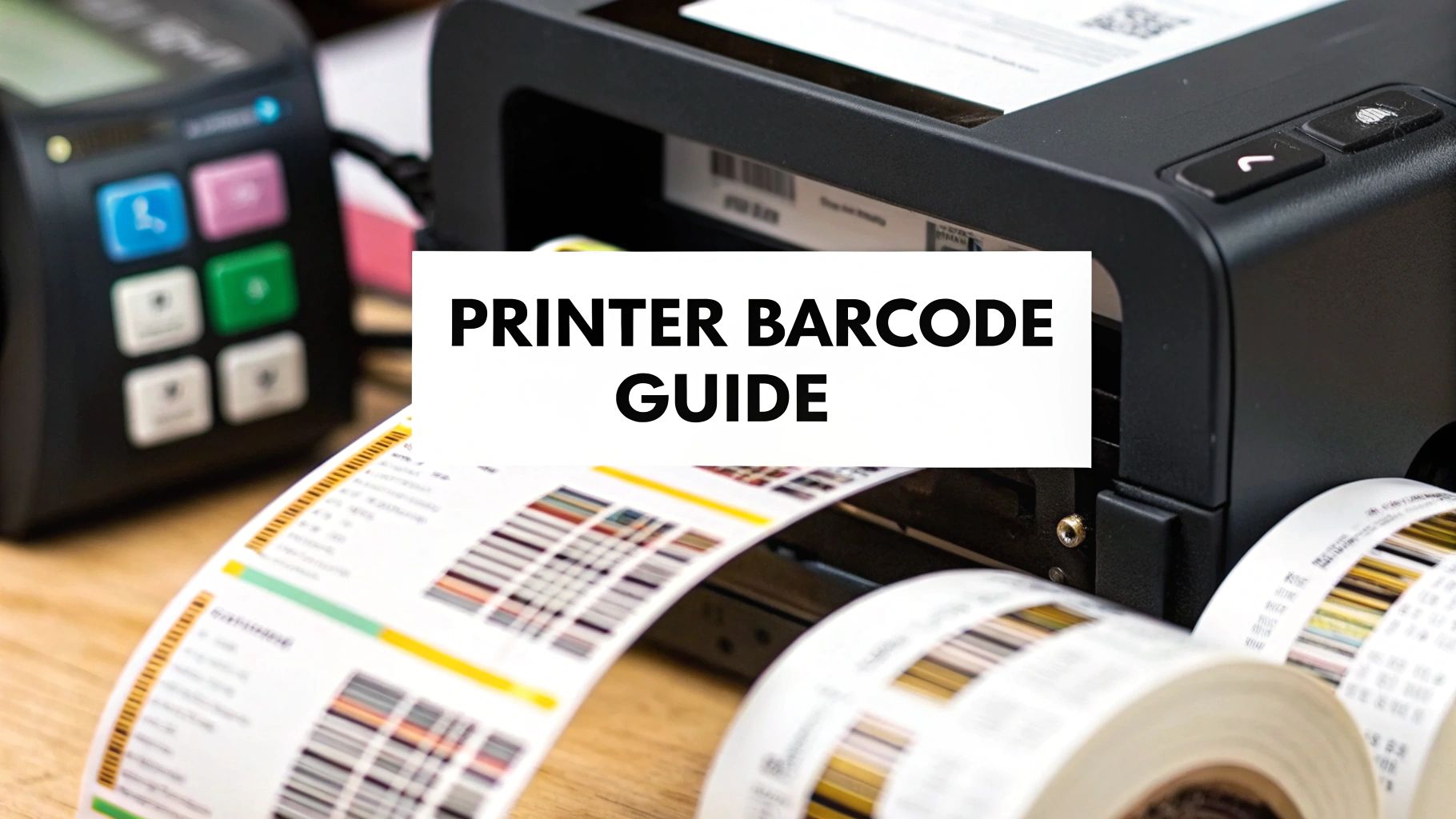
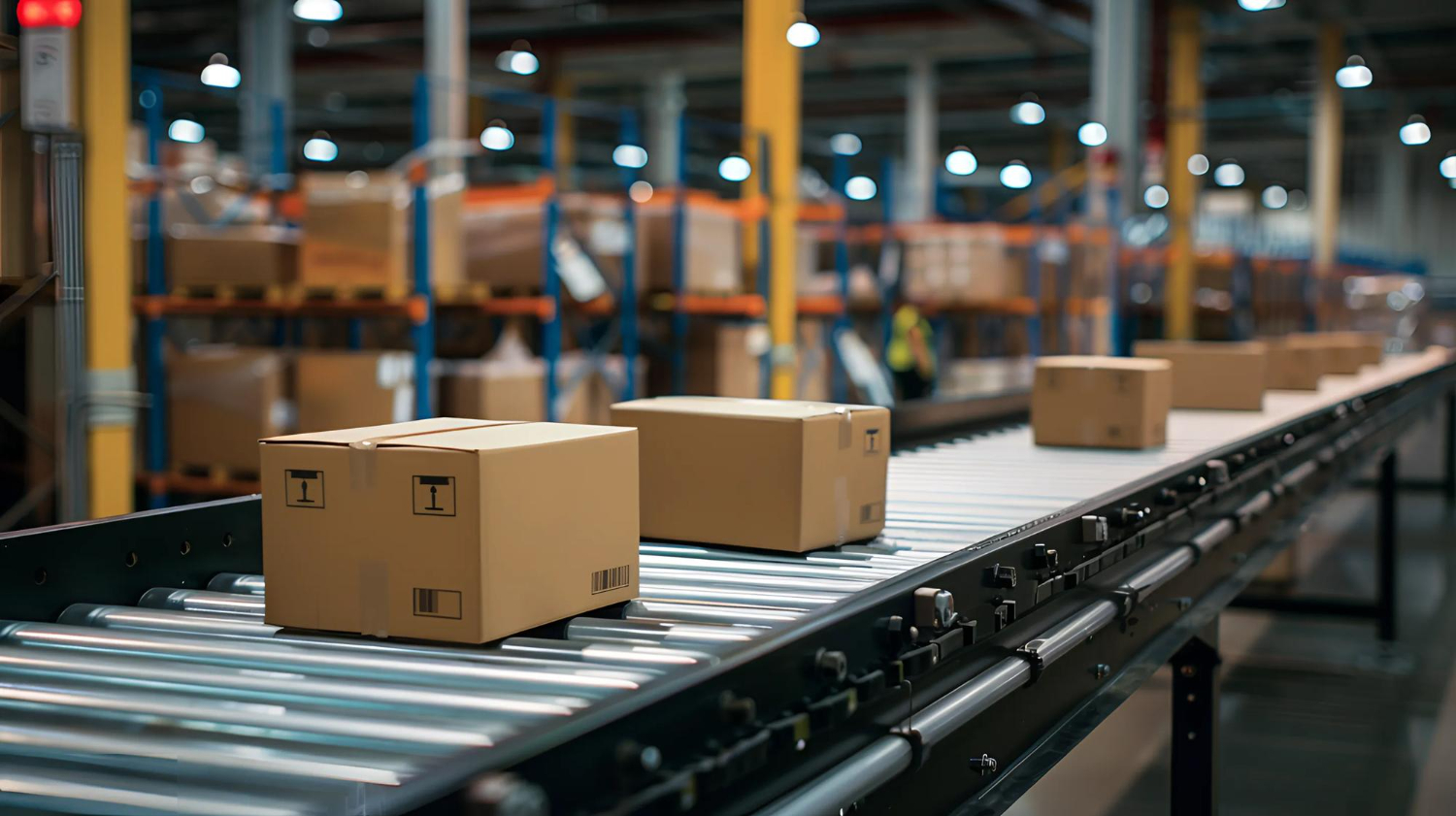
A barcode label printer isn't just another office machine; it's a specialised tool built for a single, critical job: producing labels with perfectly scannable barcodes. For any business that moves physical goods, this is the engine behind tracking products, managing stock, and keeping the entire operation running smoothly.
Think of it like giving a unique digital fingerprint to every item you handle, whether it's a massive pallet in a warehouse or a single lipstick on a shop shelf.
What a Barcode System Actually Does
At its core, a barcode printing setup injects speed and order into processes that would otherwise be painfully manual. It's the difference between scribbling down serial numbers on a clipboard and getting the job done with a simple, satisfying beep from a scanner. This simple switch drastically cuts down on human error.
For businesses dealing with inventory, this isn't a luxury-it's fundamental. It provides accuracy from the factory floor all the way to the final sale. By creating a unique, machine-readable identity for every product, these printers turn potential chaos into a finely tuned, organised system.
This bridge between the physical item and its digital record allows for instant data capture. You get real-time insights into stock levels, where a specific product is, and how it’s selling.
The Problems It Solves
A dedicated barcode label printer solves some of the most persistent headaches in operations. It puts an end to the inaccuracies of manual stocktakes, which are notorious for causing costly overstocking or embarrassing stockouts. It also dramatically speeds up traditionally sluggish tasks like booking in new deliveries or handling customer returns.
Here’s a look at the key functions these printers perform and how they impact day-to-day operations.
Key Functions of a Barcode Label Printer
Function
Operational Impact
Automated Data Entry
Slashes human error. Manual data entry often has an error rate of up to 1%, which is virtually eliminated with scanning.
Rapid Identification
Speeds up workflows. Scanning a code takes a fraction of a second, compared to minutes for manual lookups and logging.
Real-Time Updates
Provides instant inventory visibility. Databases are updated with every scan, giving managers an accurate, live view of stock.
Unique Item Tracking
Enables precise traceability. Every single item can be tracked individually through its entire lifecycle.
A barcode system gives you a single source of truth for your inventory.
A barcode label printer acts as the foundation for a reliable inventory management system. Without clear, scannable labels, even the most advanced software is useless because it lacks accurate data to work with.
It's not just about the classic striped barcodes, either. Modern printers are more than capable of handling 2D codes like QR codes, which open up even more possibilities. If you're curious about what else you can do with them, this ultimate guide to using QR codes offers some fantastic ideas. This flexibility is what makes barcode technology a cornerstone of modern logistics and retail.
Direct Thermal vs Thermal Transfer Printing
When you’re looking into barcode printers, the first big decision you'll face is choosing the right printing technology. The two main players in this field are direct thermal and thermal transfer. Both rely on heat to create an image, but how they do it is completely different, which has a massive impact on the label’s durability, overall cost, and what you can use it for.
Getting this choice right is critical. The wrong one can lead to barcodes that fade and become unreadable, wasted stock, and frustrating delays on your production line. Let's break down these two technologies to figure out which one is the perfect fit for your needs.
Understanding Direct Thermal Printing
Direct thermal printing is beautifully simple. It works by using a heated printhead to make direct contact with a special, chemically treated label. This material, often called thermochromic paper, darkens precisely where it's heated, forming the text and barcodes you see.
Think of it like the paper used for till receipts. There's no ink, toner, or ribbon involved at all. The only thing you need to keep stocked is the label roll itself, making these printers refreshingly easy to operate and maintain.
This simplicity has its limits. Because the labels react to heat, they’re also sensitive to sunlight and general wear and tear. Over time, the image will fade, especially if left in a warm or bright environment. This makes direct thermal labels ideal for applications where longevity isn't a priority.
Shipping Labels: Perfect for parcels that will be in transit for a few days or weeks.
Event Tickets: Used for a single day and don’t need to last.
Visitor Badges: A great choice for temporary identification needed only for a short visit.
Fresh Food Labels: Often used in delis or bakeries where products have a short shelf life.
The Power of Thermal Transfer Printing
Thermal transfer printing takes a more durable approach. Instead of heating the label itself, the printhead applies heat to a wax or resin-based ribbon. This heat melts the ribbon’s coating onto the label surface, creating a crisp, highly durable, and long-lasting print.
It’s a bit like using a typewriter ribbon to create a permanent mark on paper. The final label is far more resilient and can stand up to heat, light, moisture, and even chemicals. This resilience makes thermal transfer the go-to choice for any job where the label must stay readable for months or even years, often in tough industrial settings.
This kind of durability is non-negotiable for things like permanent product identification, asset tracking, and compliance labelling in regulated industries. It does mean managing two consumables-labels and ribbons-but the superior staying power is a must-have for many businesses. Our guide on selecting a printer for barcode printing can help you explore specific models that excel with this technology.
Head-to-Head Technology Comparison
To help you decide, let's put these two technologies side-by-side. Seeing their features in a direct comparison makes it much easier to weigh the pros and cons against what your business actually needs.
Direct Thermal vs Thermal Transfer Comparison
Here's a breakdown of how the two technologies stack up against each other.
Feature
Direct Thermal
Thermal Transfer
Print Durability
Low - Fades over time, especially with heat and light.
High - Resistant to chemicals, heat, and UV light.
Consumables
Labels only.
Labels and ribbons.
Upfront Cost
Generally lower printer cost.
Generally higher printer cost.
Operating Cost
Lower (no ribbon), but special labels can be pricier.
Higher (ribbon costs), but a wider choice of label materials.
Best For
Short-term uses like shipping, receipts, and tickets.
Long-term uses like asset tags, product ID, and compliance labels.
Maintenance
Simpler, with fewer moving parts to manage.
Requires ribbon changes and more frequent cleaning.
The choice often boils down to one question: how long does your barcode need to last? If a label just needs to survive for a week, direct thermal is a smart, efficient option. If it needs to last for the entire life of your product, then thermal transfer is really the only reliable way to go.
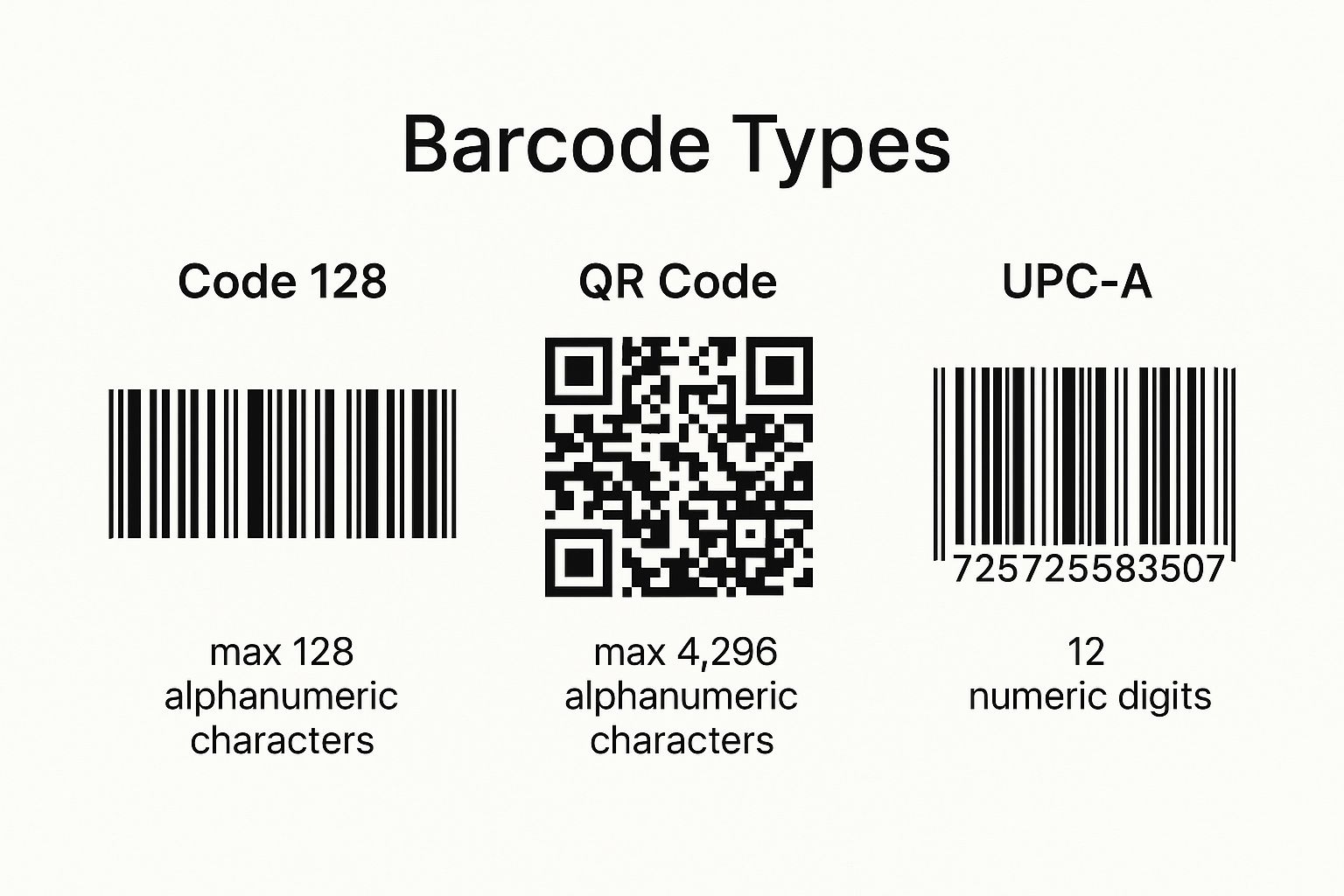
This visual highlights just how much more information can be packed into a modern 2D QR Code compared to a traditional 1D barcode like a UPC-A-something to keep in mind when thinking about the kinds of data your barcode printer will need to handle.
Making Sense of Printer Specifications
When you start shopping for a barcode printer, you'll run into the spec sheet. It can look a bit intimidating at first-a wall of acronyms and numbers. Learning to read these details is the secret to finding the perfect printer for your business without any guesswork.
Think of it like this: you wouldn't buy a car without knowing its engine size or a camera without checking its megapixels. The same logic applies here. Getting a handle on these key metrics will help you avoid paying for features you'll never use, or worse, buying a machine that just can't keep up.
Print Resolution (DPI)
First up is print resolution, measured in Dots Per Inch (DPI). This number simply tells you how many tiny dots the printer’s printhead can squeeze into a single inch. More dots mean a sharper, cleaner, and more detailed label.
Most entry-level and standard printers come with 203 DPI. For everyday jobs like shipping labels or large product barcodes, this is absolutely fine. The text is legible, the lines are crisp, and any scanner will read it without a problem.
You only need to look at higher resolutions when your labels get smaller or more complex.
300 DPI: This is a great all-rounder. It gives you that extra bit of clarity for small text, company logos, or detailed 2D barcodes like QR codes. If you’re labelling products for retail, this is often the sweet spot.
600 DPI: This is the high-definition of the barcode world. It’s needed for printing tiny, intricate labels for things like electronic components or jewellery tags, where every millimetre counts and scanning accuracy is non-negotiable.
As a rule of thumb, match the resolution to the job. A standard 10cm x 15cm shipping label is perfectly happy with 203 DPI. For a tiny 1cm x 1cm asset tag on a circuit board? You'll want the precision of 600 DPI to be safe.
Print Speed (IPS)
Next, we have print speed, which is measured in Inches Per Second (IPS). This metric is straightforward-it’s how fast the printer spits out labels. A higher IPS means more labels printed in less time, which can be a major benefit in a high-volume setting.
A compact desktop printer in a small office or a boutique retail shop might hum along at 4-6 IPS. That’s more than enough to handle a few dozen labels throughout the day.
If you’re outfitting a busy warehouse or a fast-paced production line, you'll want to look at industrial models that can hit 10-14 IPS or more. When you’re trying to get thousands of packages out the door each shift, that extra speed stops your packing station from becoming a frustrating bottleneck.
Connectivity Options
How a printer talks to your computers or network dictates where and how you can use it. The best choice here depends entirely on your workspace and workflow.
Common Connection Types
Connection Type
Best For
USB
A single, dedicated workstation. It's the simplest, most direct way to connect one computer to one printer.
Ethernet
Connecting the printer to your local network, allowing multiple users to send jobs from different computers.
Wi-Fi
Wireless network access. Perfect for large warehouses or factories where running cables isn't practical.
Bluetooth
Short-range printing from mobile computers, tablets, or scanners. Ideal for creating labels on the go.
In a modern logistics centre, a mix of Ethernet and Wi-Fi is often the winning combination. You get rock-solid, stable connections for your fixed packing benches and the flexibility to place printers anywhere you need them, without being tethered by a network cable.
Maximum Print Width
The final key spec to check is the maximum print width. This is simply the widest label the printer can handle. By far the most common size is 4 inches (about 10cm), which is the industry standard for shipping labels and fits most desktop and industrial models.
Some jobs require different formats. You can find printers that handle wider 6 or 8-inch labels, used for things like chemical drum warnings or large pallet labels that need to display a lot of information clearly. On the other end of the spectrum, you have specialised printers for narrow items like patient wristbands or tiny component tags.
Before you buy, just double-check that the printer’s maximum width is a good match for the biggest labels you plan to print.
Barcode Printers in UK Industries
The real value of a printer label barcode system isn’t just theoretical; you see it every day across countless UK sectors. From the aisles of a supermarket to the quiet, sterile corridors of a hospital, these machines are the unsung heroes of modern efficiency. They bring a level of accuracy and speed to industries where even the smallest mistake can have significant consequences.
Let's take a look at how these printers have become so important in specific UK industries, showcasing just how versatile they are and the tangible benefits they deliver on the ground.
Retail Price Tagging and Returns
In the world of UK retail, barcodes are absolutely everywhere. For simple price tagging, you'll often find a compact desktop thermal transfer printer right there on the shop floor. It’s perfect for producing crisp, clear price labels with barcodes that scan instantly at the till, which means shorter queues and fewer pricing errors.
The process doesn't stop at the sale. When a customer brings an item back, barcode printers play a critical role. A staff member at the returns desk can print a new label on the spot, allowing the product to be tracked as it re-enters the inventory. This simple step confirms the item is properly accounted for, whether it’s going back on the shelf or being sent to a central depot.
By using a dedicated printer label barcode for returns, retailers can cut processing time by as much as 60%. It transforms what could be a logistical headache into a smooth, managed process.
Logistics and Warehousing
Logistics is where barcode printers have their biggest impact. Imagine a busy UK e-commerce fulfilment centre-every second is critical. Here, industrial-grade thermal printers are the workhorses, churning out thousands of shipping labels day in, day out. These machines are built tough for high-volume, high-speed work, often running at speeds of 12 IPS (inches per second) or even faster.
Shipping Labels: Thermal printers produce the standard 4x6 inch labels you see on parcels from couriers like Royal Mail and DPD. A clean, scannable barcode is necessary for automated sorting at depots and drastically reduces delivery mix-ups.
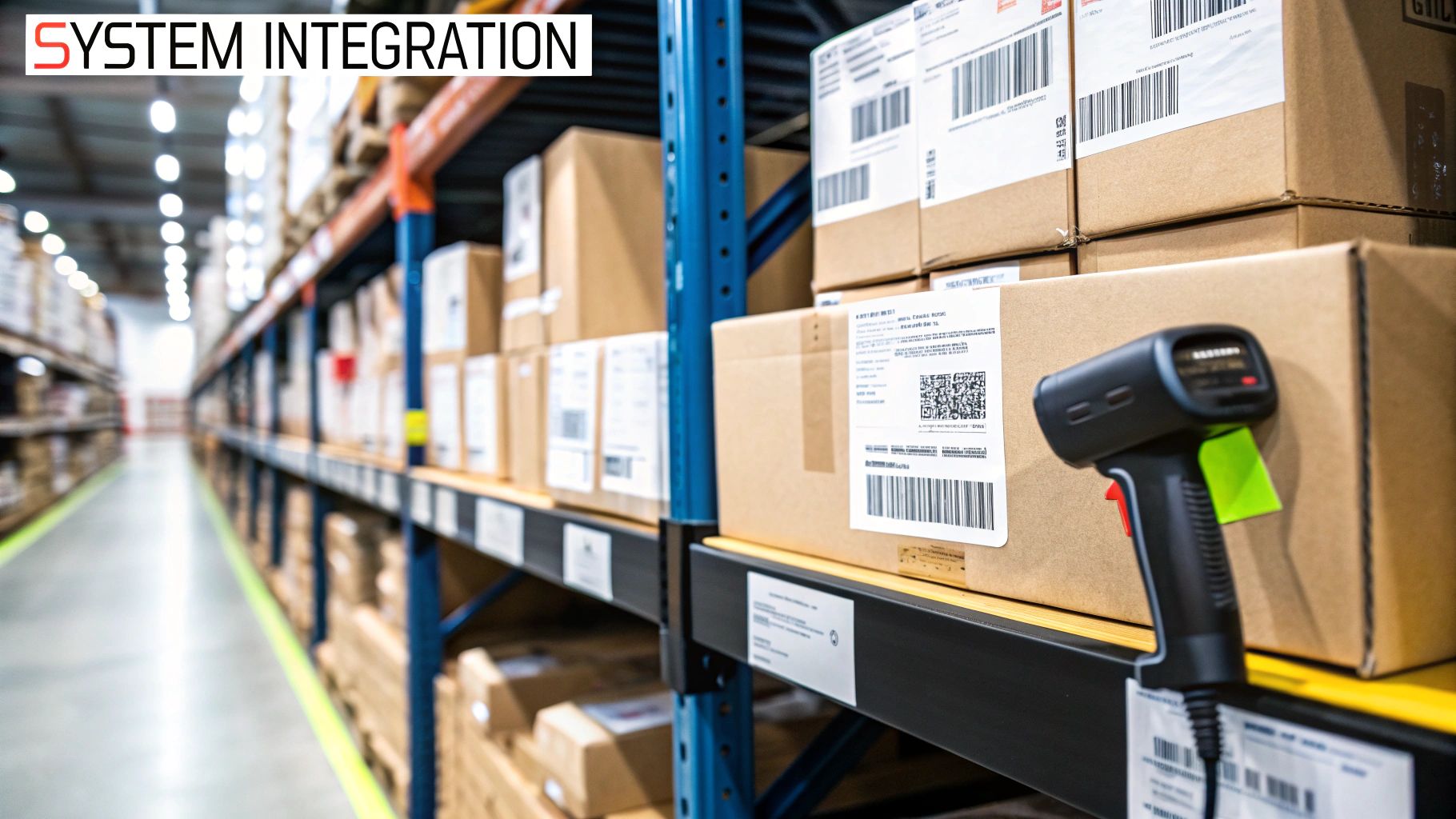
Inventory Tracking: As soon as goods arrive at the warehouse, they’re given a barcode label. This scan immediately updates the warehouse management system (WMS), giving managers a live, accurate view of all stock levels.
Picking and Packing: Guided by handheld scanners, warehouse staff are directed to the exact aisle and shelf, all thanks to barcodes on the racking. This level of accuracy is needed for confirming the right customer gets the right order.
The constant pressure of modern shipping demands equipment that won't let you down. Our guide on selecting a thermal label printer for shipping explores models specifically designed for these high-stakes environments.
Healthcare Patient and Specimen Safety
Within the NHS and private healthcare, accuracy isn't about efficiency-it's about patient safety. Barcode printers are used to create labels that can literally prevent life-threatening mistakes. Patient wristbands are printed using durable thermal transfer technology. The barcode on the band links directly to the patient's electronic health record, which holds critical data like allergies and medication schedules.
Specimen labelling is another area where there is zero room for error. When a blood or tissue sample is taken, a small, resilient barcode label is applied immediately. These labels must withstand everything from refrigeration to chemical exposure, making thermal transfer printing the only reliable option. This guarantees that every sample is correctly matched to the right patient throughout the entire testing journey.
Manufacturing and Production Lines
On the factory floor, UK manufacturers use barcodes to track products all the way from raw materials to finished goods. This is often known as work-in-progress (WIP) tracking. A tough, long-lasting thermal transfer label is fixed to a component right at the start of the assembly line.
At each stage of production, the barcode is scanned, feeding real-time data back to managers. This gives them an instant overview of production status, helping them spot bottlenecks, monitor quality control, and maintain a clear audit trail for compliance. These labels must be able to survive harsh industrial conditions, including heat, abrasion, and cleaning solvents.
The reliance on these devices is only set to grow. The UK barcode printer market is projected to hit USD 750 million by 2035, growing at a steady clip of 5.8% annually. This growth is being fuelled by the very industries we've discussed, proving just how fundamental these printers have become to modern British business.
Choosing Your Printer Label Barcode Model
Alright, you've got the basics down on printer tech and specs. Now comes the important part: picking the right machine for your business. This isn't about buying the most expensive, feature-packed model on the market. It's about finding the perfect fit for your specific workflow, your workplace, and your budget.
Think of it like being a detective. By asking a few key questions, you'll uncover clues that point you straight to the ideal printer. This process helps you move past the marketing noise and focus on what truly matters for your operations.
How Many Labels Will You Print Daily?
First things first: what's your daily print volume? Be realistic here, and don't forget to factor in any growth you're expecting over the next year. This single piece of information is the biggest factor in deciding which class of printer you need.
Low Volume (Under 500 labels/day): A desktop printer is almost certainly your best bet. These are compact, affordable machines perfect for smaller jobs in an office, a small retail shop, or a quiet shipping station.
Medium to High Volume (500 to several thousand labels/day): You're stepping into industrial printer territory. These workhorses are built with tough metal frames and heavy-duty components, designed to run all day in busy environments without skipping a beat.
On-the-Move Printing: If your team needs to create labels on the go-out on the warehouse floor, during a delivery, or at a client site-then a mobile printer is what you're looking for. These are small, battery-powered devices that connect wirelessly to a handheld computer or tablet.
What Is Your Operating Environment?
Next, take a look around. Where will this printer actually live? A clean, climate-controlled office is a world away from a dusty factory floor or a cold storage warehouse. The printer's surroundings will dictate the level of durability you need.
A desktop model’s plastic housing is perfectly fine for a standard office, but it simply won't hold up in a tougher industrial setting. That's where industrial printers shine; their rugged metal enclosures are built to shield the delicate internal parts from dust, moisture, and the occasional bump.
When your entire operation relies on consistent labelling, a durable printer isn't a luxury-it's necessary. One printer failure on a busy production line can bring everything to a grinding halt.
How Long Must Your Labels Last?
The answer to this question will point you directly to either direct thermal or thermal transfer printing.
If your labels have a short lifespan, like the /shipping-label-printer/ that only needs to survive a few days in transit, then direct thermal is an excellent, cost-effective choice. It’s simple and gets the job done.
For labels that need to stay readable for months or even years-think asset tags, compliance markings, or product ID labels-thermal transfer is the only way to go. These labels are built to withstand sunlight, heat, and chemicals without fading. This is particularly critical in areas like private label brand design, where the quality and longevity of the label are a direct reflection of the brand itself.
Planning for the Future
Finally, think about where your business is headed. Are you planning to launch new products or ramp up production next year? Buying a printer that just barely meets today's needs could create a serious bottleneck for you tomorrow.
It's often a smart move to choose a model with a bit more capacity than you currently need. For instance, if you're printing 450 labels per day, you're right on the edge between a desktop and an industrial model. Opting for a light industrial printer in this scenario gives you valuable breathing room to grow, saving you the cost and hassle of having to upgrade your equipment just a few months down the line.
Common Questions About Barcode Label Printers
Even with a good grasp of the tech, you're bound to have some practical questions about how a printer label barcode system fits into your daily operations. That's completely normal. Sorting out these details before you commit can save you a world of headaches later on.
Let's walk through some of the most common queries we hear from businesses just like yours. Getting these answers straight will help you make a much more confident investment.
How Do I Create the Barcodes Themselves?
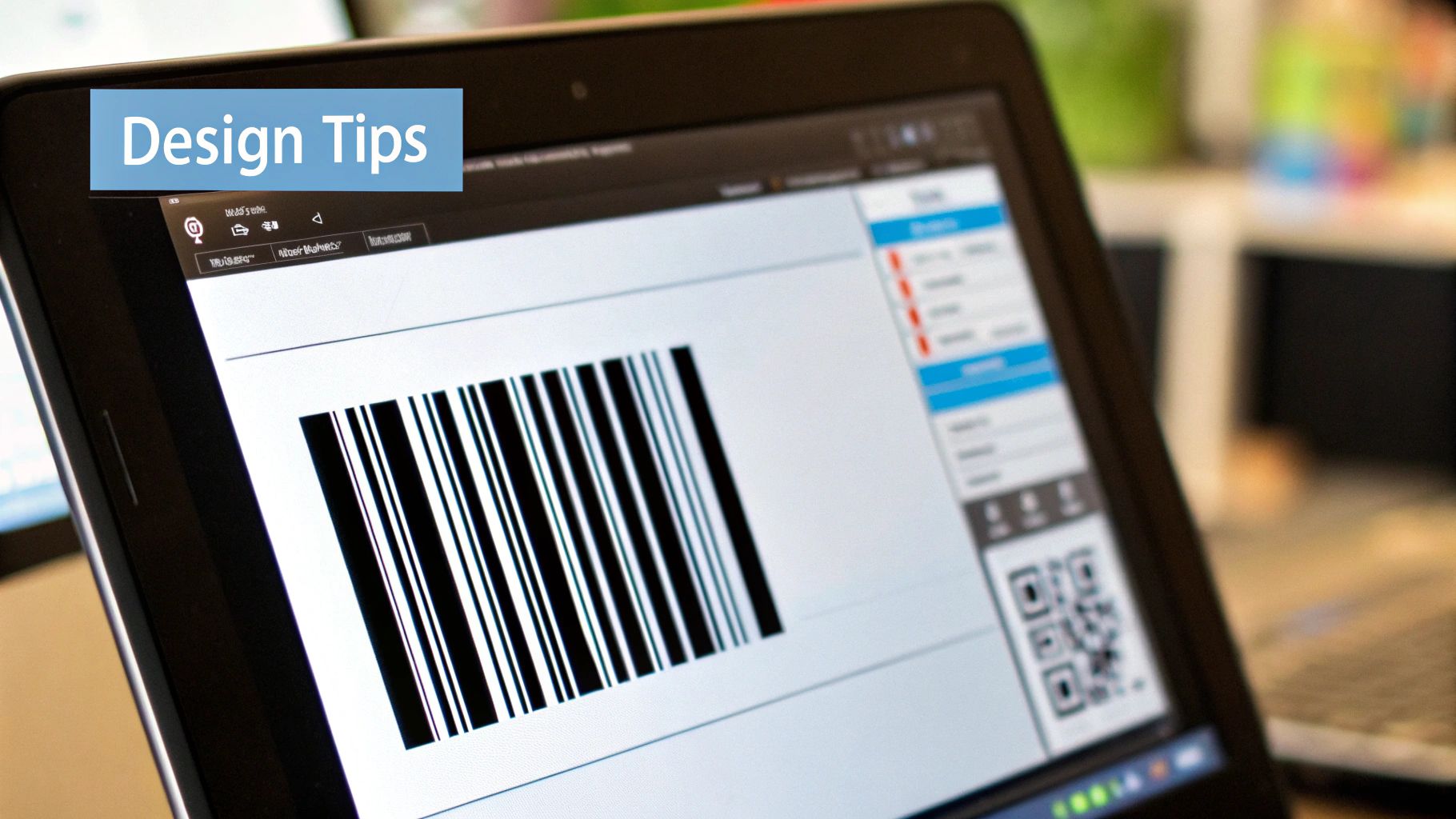
This is a great question, and it's a frequent point of confusion. The printer is a bit like a photocopier; it only prints the information it's given. It doesn't actually create the barcode design. For that, you’ll need specific label design software.
Many printers come with a basic version of this software, which is often perfectly fine for straightforward jobs like printing product codes or addresses. If you have more complex needs-like pulling customer data from a database or printing labels with variable information-you'll want to look at dedicated programs like BarTender or NiceLabel.
These powerful tools let you:
Build templates for all your different label sizes.
Choose from a huge library of barcode types (e.g., Code 128, EAN-13, QR Codes).
Link directly to your inventory or ERP system to pull data automatically for printing.
Can I Use Standard Office Labels in a Barcode Printer?
In a word, no. A dedicated printer label barcode machine, especially a thermal model, is a specialist piece of kit that needs specialist supplies. The A4 sheets of labels you run through your office laser or inkjet printer simply won't work and could actually break the delicate thermal printhead.
Direct thermal printers need labels that are coated with a heat-sensitive chemical. Thermal transfer printers require a specific pairing of a ribbon and a compatible label material. To get crisp, scannable barcodes and protect your investment, always stick to the media recommended for your printer model.
Using the wrong labels is one of the most common-and easily avoidable-reasons for poor print quality and unreadable barcodes. Ordering the right supplies from day one makes all the difference.
What Is the Lifespan of a Printhead?
The printhead is the heart of a thermal printer and, not surprisingly, its most critical and costly consumable part. It's the element that applies the heat to create the image. Its lifespan isn't measured in time, but in the total length of media it prints, usually quoted in millions of inches or kilometres.
Several things will affect how long your printhead lasts:
Print Speed and Darkness: Pushing the printer to its top speed and highest heat settings constantly will cause it to wear out faster.
Media Quality: Using poor-quality or abrasive labels and ribbons can scratch and damage the printhead over time.
Maintenance: Regular cleaning is the single best thing you can do. Wiping away dust and adhesive residue will dramatically extend its life.
With proper care, a printhead on a desktop printer might last a year or two in a low-volume environment. An industrial printer has a printhead built to withstand much heavier, continuous use for far longer.
Do Barcodes Help with Security and Loss Prevention?
Yes. It's one of their biggest strengths. For UK businesses, barcode systems are a powerful defence against theft and fraud throughout the supply chain. Each unique barcode acts as a digital fingerprint for a product, creating a clear audit trail as it moves from the warehouse to the customer. This level of traceability makes it incredibly difficult for counterfeit items to creep in or for stock to vanish without a trace.
The market reflects this growing need for security. The global barcode label printer market was valued at USD 3.72 billion in 2025 and is projected to hit USD 4.75 billion by 2029. This growth is fuelled by businesses worldwide adopting these systems to tighten security and reduce losses. You can find more detail on these trends in various industry reports.
Beyond inventory, barcodes are useful for securing your shipping. Creating accurate postage labels confirms every parcel is routed and tracked correctly, which minimises the risk of items getting lost. For any business that sends out goods, getting your labels for printing postage right is a critical first step in protecting your deliveries.
For businesses across the UK, finding the right labelling machinery is a key step towards improving production efficiency and product presentation. At Sessions UK, we offer expert guidance and a comprehensive range of solutions, from manual labellers for artisan producers to fully automatic systems for high-volume manufacturing. Explore our labelling machines at / and let us help you find the perfect fit for your operational needs.
Labelling something like this?
Tell us what you're labelling and we'll tell you which machine fits — or whether you need one at all.